
Beginner guide
Plant cheap seeds, clear quests, then expand.
Start with the 1-cash Tulip or 2-cash Rose shown in Aug 8 gameplay. Harvest, stock the shop, use checkout, and complete the visible early quests before deciding between displays, Advertising, staff, or expansion.
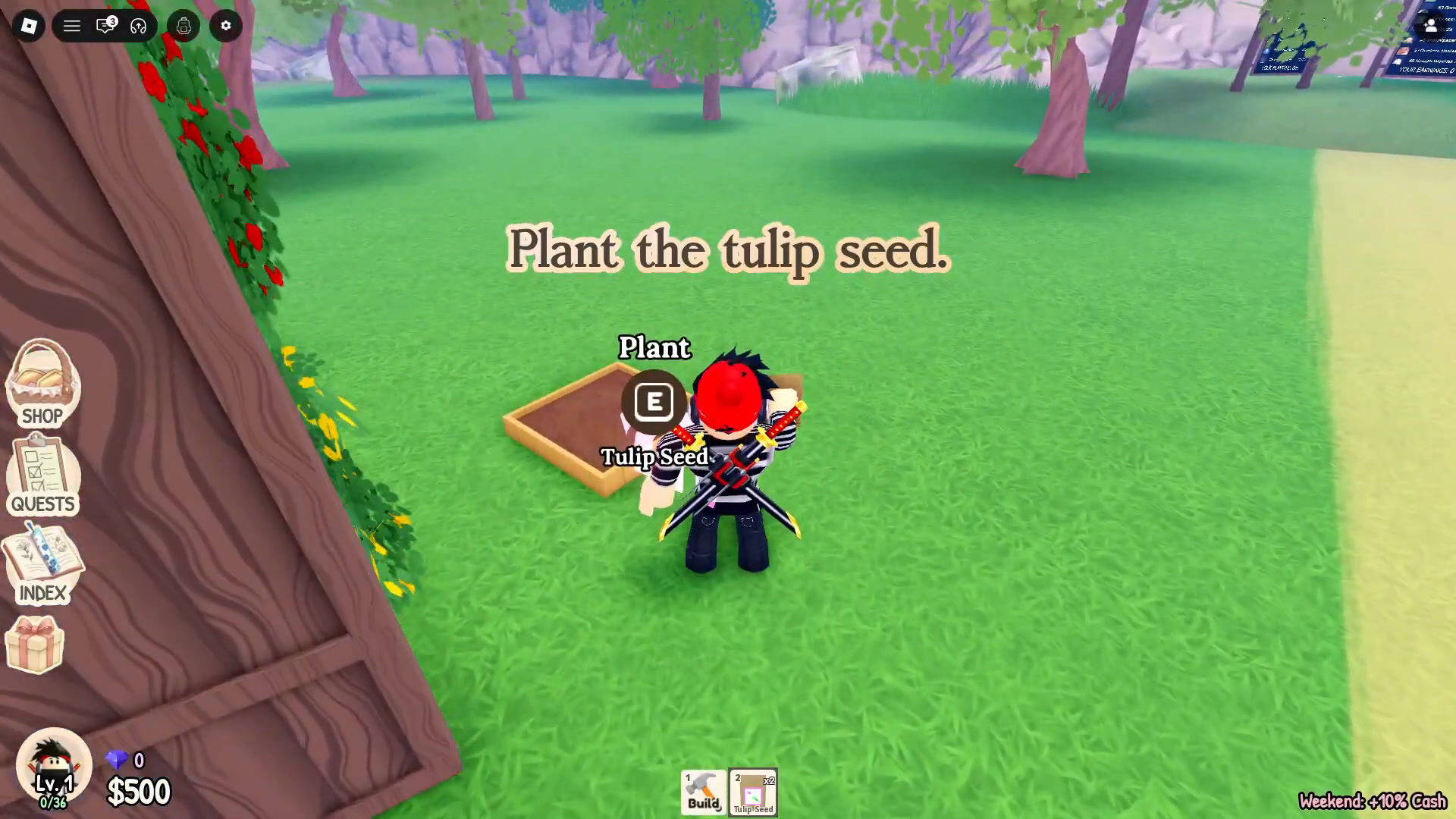
Step 1
Buy a seed you can cycle quickly.
The captured menu showed Tulip at 1 cash and 6 seconds, Rose at 2 cash and 15 seconds, and Daisy at 5 cash and 30 seconds.
Plant Tulip or Rose.
Both were cheap and fast in the Aug 8 menu. Check the current card before buying because prices and timers can change.
Harvest and keep the loop moving.
Flowers can continue growing while you are offline, according to the official game description. The exact offline rate is not stated.
Use supplies only for a clear need.
A Watering Can reduced grow time by 1 minute, while Fertilizer added 1 flower to harvest yield in the captured supplies menu. Compare all four known supplies in the growth guide.
Step 2
Choose an arrangement design that fits your stock.
Small Bouquet uses 1 flower. Glass Vase uses 2 and unlocks at level 5. Bigger designs use more flowers and unlock later.
Pick capacity first
The captured craft menu goes from 1 flower for Small Bouquet to 12 for Spring Basket. Open the full design and unlock table.
Choose style and flowers
The menu lets you choose a style and fill the design from your inventory. It is not a fixed flower-combination recipe.
Step 3
Clear the two observed quest targets.
Budding Florist paid 100 cash for planting 3 Rose seeds and harvesting twice. Flower Power paid 150 cash for stocking 5 times and completing 3 checkouts.
Finish actions you already need
Planting, harvesting, stocking, and checkout all advance the normal shop loop, so check your quest panel before repeating them.
Do not use bonus payouts as base prices
The captured sales session had Weekend and Playtime cash bonuses. It cannot support a clean flower price or profit ranking.
Step 4
Spend on the next visible bottleneck.
| Problem | Dated option to inspect |
|---|---|
| Need more customer traffic | Advertising level 0 to 1 showed 200 cash and says it boosts traffic. |
| Need a display | Captured display prices ranged from 20 to 500 cash. |
| Need more garden space | Garden expansion level 1 to 2 showed 2,000 cash. |
| Need more shop space | Shop expansion level 2 to 3 showed 5,000 cash. |
| Considering staff | Robin, Lily, and Nur each showed a 1,500-cash Gardener hire price. |